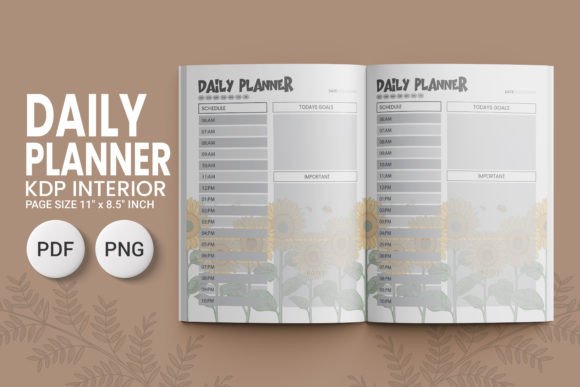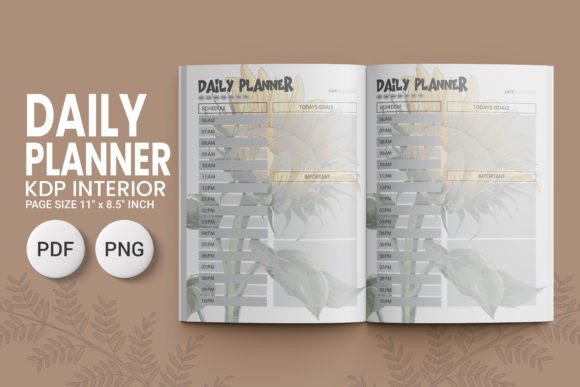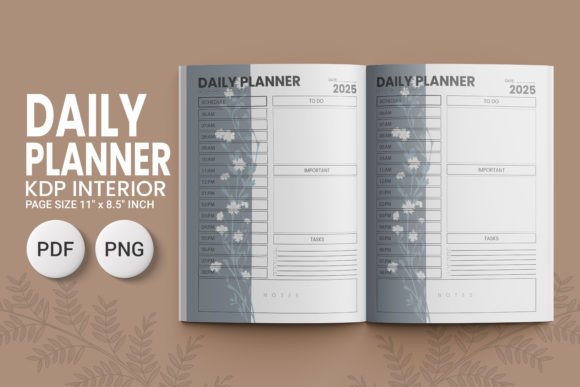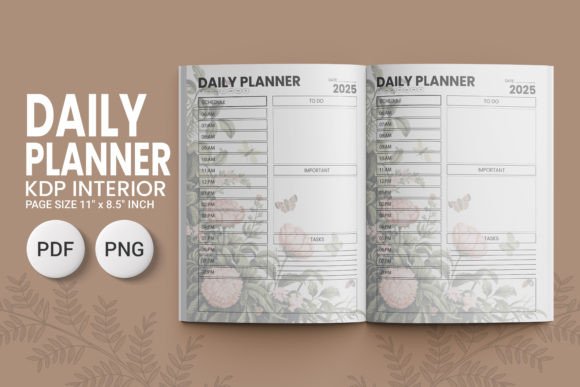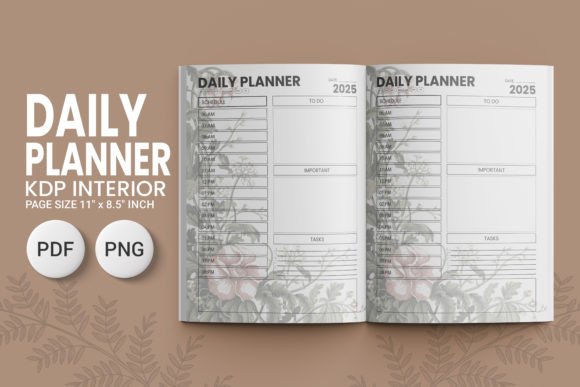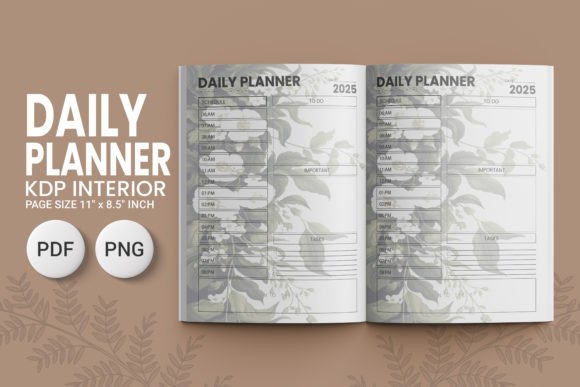
Daily Planner KDP V3 2025 02
If you’ve spent time wrestling with cluttered layouts, inconsistent spacing, or interior files that refuse to print cleanly on KDP—this is the quiet reset you’ve been looking for. Daily Planner KDP V3 2025 02 isn’t just another printable planner template. It’s a thoughtfully engineered interior design system built for real-world publishing workflows—not theoretical perfection. The aesthetic leans into clean minimalism with intentional white space, balanced margins, and a rhythm that supports focus without demanding attention. There are no ornate flourishes or distracting textures. Instead, you’ll find crisp lines, consistent alignment, and typography that breathes—designed so your content, not the grid, stays center stage.
Designed for Print—Not Just Pixels
This isn’t a screen-first layout repurposed for paper. Every element in Daily Planner KDP V3 2025 02 respects physical constraints: the 11″ × 8.5″ trim size fits standard US letter stock without awkward scaling; there’s zero bleed (so no guessing where content might get cropped); and all PDFs are high-resolution, CMYK-ready, and pre-flattened for KDP’s automated processing. Even the PNG files—provided at true 300 DPI—are sized precisely for cover mockups or digital previews, not stretched placeholders. That means when you upload, you’re not troubleshooting raster artifacts or color shifts mid-print run. You’re moving straight from download to publish.
What “Ready for Upload” Actually Means
“100 Ready For Upload KDP” isn’t marketing speak—it’s a workflow guarantee. Each of the 100 interior pages has been tested across KDP’s previewer, validated for margin compliance (especially critical for the 0.75″ inner margin), and checked for font embedding compatibility. No missing glyphs. No substituted system fonts. No hidden layers or transparency issues that trigger KDP warnings. If you're a blogger launching a side-hustle planner series, a coach bundling tools for clients, or a small press producing niche productivity titles—this eliminates hours of trial-and-error formatting. You open the ZIP, choose your cover, upload the PDF, and move on. That kind of reliability compounds fast when you’re juggling multiple KDP titles or seasonal updates.
Who Benefits Most—and Why
Designers appreciate how the structure supports customization: the modular page templates (daily logs, weekly overviews, habit trackers, goal-setting spreads) use consistent typographic hierarchy—same heading weights, same baseline grid—so edits stay cohesive even if you swap out icons or adjust section headers. Entrepreneurs and course creators find value in the blank-note pages and reflection prompts—they’re not filler; they’re scaffolding for deeper engagement with an audience already seeking intentionality. And for crafters or stationery sellers? The high-res PNGs let you build realistic lifestyle mockups for Etsy or Instagram without licensing headaches. No need to hire a designer for basic variants—just layer your brand colors or add subtle watermarks directly onto the included assets.
Readability Isn’t Optional—It’s Structural
Look closely at the line height on the daily entry sections: it’s set at 1.45—not arbitrary, but calibrated so handwritten notes (with medium-tip pens or light pencil strokes) won’t crowd adjacent lines. The sans-serif body typeface avoids visual fatigue during long planning sessions, while the slightly increased x-height improves legibility at smaller point sizes—critical when working within tight column widths. This isn’t about “pretty fonts.” It’s about reducing friction between intention and execution. When someone opens your planner and immediately knows where to write, what to prioritize, and how much space they have—*that’s* where trust begins.
Commercial Use That Doesn’t Require a Law Degree
All files come with unrestricted commercial licensing—no per-unit fees, no attribution requirements, no hidden caps on sales volume. Whether you’re selling 5 copies or 5,000, the license holds. That clarity matters when you’re building a scalable digital product line or bundling planners with coaching packages. And because the interior design is fully editable in Adobe InDesign or Affinity Publisher (via layered PDFs), you can adapt tone and voice without rebuilding from scratch—swap out “Focus Today” for “My Creative Intent,” adjust date formats for international audiences, or insert client-specific trackers—all while preserving the underlying structure that makes Daily Planner KDP V3 2025 02 feel polished, not patched together.
How to Use It Without Overthinking
Start with the PDFs—not the PNGs. Open the main interior PDF in your PDF editor or layout software. Scan the first 10 pages: notice how the header/footer positioning stays locked, how page numbers anchor consistently in the outer margin, how section dividers use subtle weight shifts instead of heavy rules. That’s your foundation. Then, if you need social-ready visuals, pull the matching PNGs—they align pixel-perfectly with the PDF’s live area. Don’t try to edit the PNGs as source files; treat them as presentation assets, not production files. And skip font substitution tests unless you’re adding custom headlines—the interior uses system-safe, embedded fonts that render identically across devices and printers.
Daily Planner KDP V3 2025 02 works because it doesn’t try to be everything. It’s not a bullet journal hybrid, not a hyper-customizable Notion clone, not a luxury foil-stamped artifact. It’s a dependable, print-accurate, commercially sound interior design—built for people who need to ship quality planners without drowning in technical debt. You don’t need design expertise to use it well. You just need to know what your audience reaches for when their day feels full, and what they keep coming back to when consistency matters more than novelty.