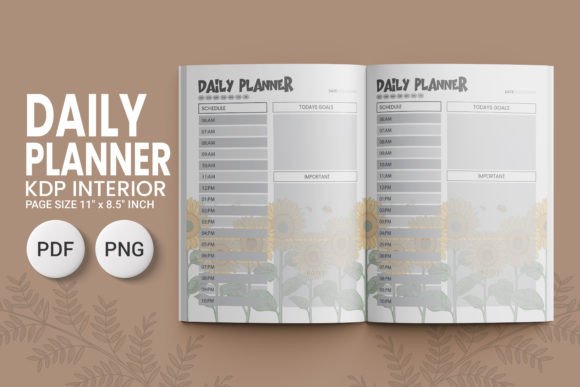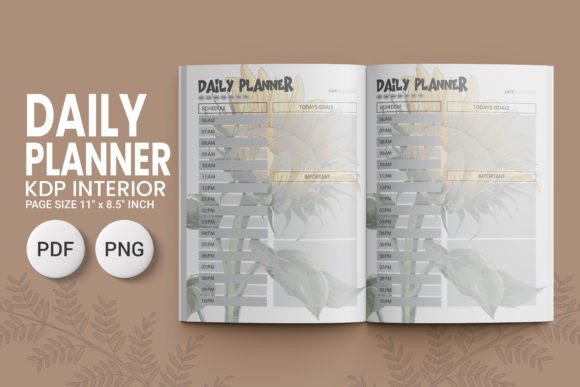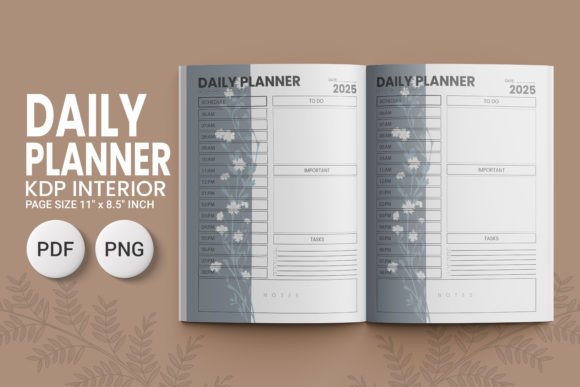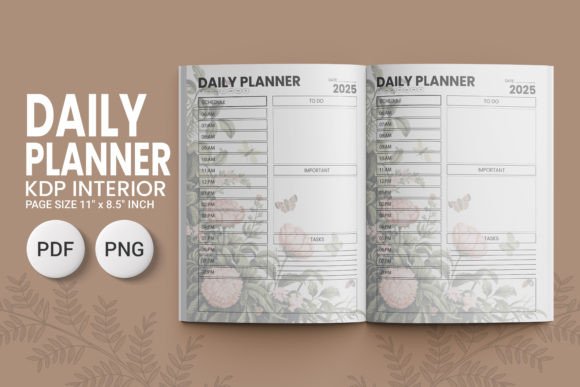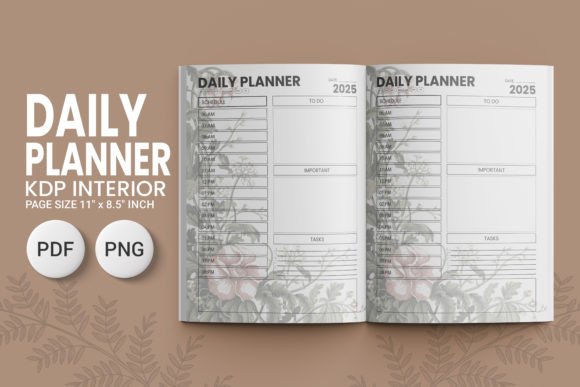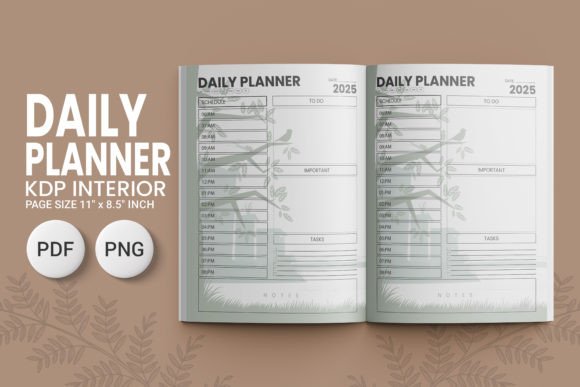
Daily Planner KDP V3 2025 04
Clarity starts with structure—and the Daily Planner KDP V3 2025 04 delivers exactly that. Designed for creators who value precision and practicality, this planner interior isn’t just another template. It’s a fully print-ready, high-resolution toolkit built for Amazon KDP publishing—no redesigns, no guesswork, no last-minute formatting stress. At its core, it’s a functional canvas: 11″ x 8.5″, no bleed, optimized for crisp black-and-white or color printing, and ready to upload straight to your KDP dashboard.
What makes it stand out isn’t flash—it’s fidelity. Every page is engineered at 300 DPI, with both PDF and PNG files included. That means sharp text, clean lines, and consistent spacing whether you’re reviewing on screen or holding the printed version in hand. For designers and self-publishers, that reliability saves hours—no need to re-rasterize, adjust margins, or troubleshoot compression artifacts before hitting “publish.”
More Than a Planner—A Creative Launchpad
This isn’t just about checking off tasks. The Daily Planner KDP V3 2025 04 invites intentional adaptation. Its clean layout—balanced white space, clear time blocks, and uncluttered headers—leaves room for personalization without sacrificing professionalism. You can layer in your own branding, add custom prompts, or integrate themed weekly challenges—all while preserving the structural integrity that makes it KDP-compliant.
Consider these grounded applications:
- Freelancers and solopreneurs use it as a client-facing planning tool—adding service-specific sections like “Project Milestones” or “Client Feedback Log” directly into the interior design before uploading.
- Educators and coaches adapt the daily spread to support habit-building or skill-tracking—inserting reflection prompts or progress bars as PNG overlays, then exporting fresh PDFs for student workbooks.
- Bloggers and content creators repurpose the framework for editorial calendars—mapping out ideation, drafting, editing, and publishing windows across each day’s layout.
- Small business owners pair it with their existing systems—printing physical copies for team huddles, then using the same file to generate branded digital versions for Notion or PDF annotation tools.
The key is starting from a solid foundation. Because the Daily Planner KDP V3 2025 04 is fully editable in standard design software (Adobe Illustrator, Affinity Designer, even Canva Pro), you retain full creative control—without compromising KDP’s technical requirements.
Design Integrity Meets Real-World Flexibility
High-resolution doesn’t mean inflexible. The inclusion of both PDF and PNG files serves distinct purposes: PDFs preserve vector clarity and typography for final print output; PNGs give pixel-perfect control for adding layered graphics, watermarks, or subtle textures—ideal when building companion assets like social media teasers or email newsletter previews.
For example, a productivity coach launching a paid planner bundle might use the base PDF for the main KDP book, then drop the PNGs into a Figma file to mock up Instagram carousels showing how users fill out each section. A stationery designer could extract individual page elements—like the date header or priority quadrant—and recombine them into printable sticker sheets or digital Notion templates, all sourced from the same original asset set.
This dual-format approach also supports accessibility-conscious workflows. You can convert the clean PDF into tagged, screen-reader-friendly versions for inclusive distribution—or export PNGs to generate simplified visual schedules for neurodiverse learners.
Who Benefits—and How to Use It Well
If you’re a creator evaluating this planner interior, ask yourself two questions: What do I want my audience to *do* with this tool? and What do they need to feel confident using it?
For marketers and small business owners, confidence comes from consistency—so keep branding elements (fonts, colors, logo placement) aligned across all pages. For educators and therapists, clarity matters most—avoid overloading layouts; instead, use the built-in structure to guide attention (e.g., placing “Today’s Focus” at the top, “Reflection” at the bottom).
Here’s what works in practice:
- Test print one signature first. Print a few pages on your home printer or local copy shop to verify margins, contrast, and readability—especially if using grayscale or light ink coverage.
- Preserve the 11″ x 8.5″ trim size and zero-bleed setup. Don’t stretch or crop the design—KDP’s auto-crop will handle edge alignment only if your file respects those boundaries.
- Add value through thoughtful variation—not decoration. Swap out generic “Notes” labels for purpose-driven headers like “Idea Capture,” “Follow-Up Tracker,” or “Gratitude Moment”—tailored to your audience’s real behavior.
- Keep typography legible at 10–12 pt. The base design already prioritizes readability, but if you customize fonts, avoid overly thin weights or decorative serifs in body text.
And remember: originality isn’t about reinventing the wheel. It’s about solving a specific problem for a specific person. The Daily Planner KDP V3 2025 04 gives you the wheel—your job is to steer it toward someone who needs it.
Ready When You Are
This planner interior isn’t waiting for perfection. It’s built for action—downloadable, printable, and production-ready the moment you open the folder. Whether you’re launching your first KDP planner, expanding an existing catalog, or creating a custom resource for your community, the Daily Planner KDP V3 2025 04 removes friction so you can focus on what matters: helping people organize their days with intention, not overwhelm.
No extra plugins. No licensing hurdles. Just clean files, clear specs, and the quiet confidence that comes from knowing your design will translate faithfully—from screen to shelf.