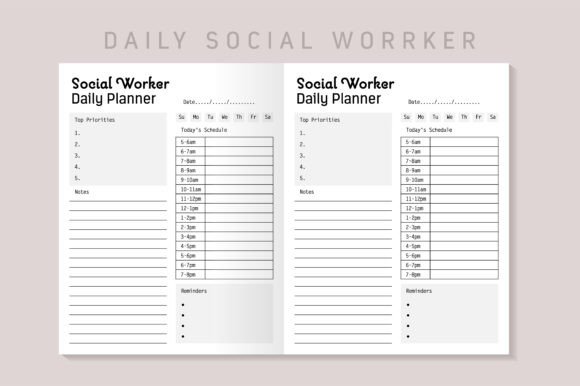
Social Worker Daily Planner KDP Interior
For professionals building low- or mid-content publishing businesses on Amazon KDP, finding a well-structured, production-ready interior file saves significant time and reduces technical friction. The Social Worker Daily Planner KDP Interior is one such resource—designed specifically for creators who need a functional, field-aligned planner layout without starting from scratch. It’s not a generic template repackaged with new cover art; it reflects practical considerations for social work workflows, including space for case notes, session tracking, boundary reminders, and reflective prompts—all while meeting KDP’s technical requirements.
What This Interior Is—and What It’s Not
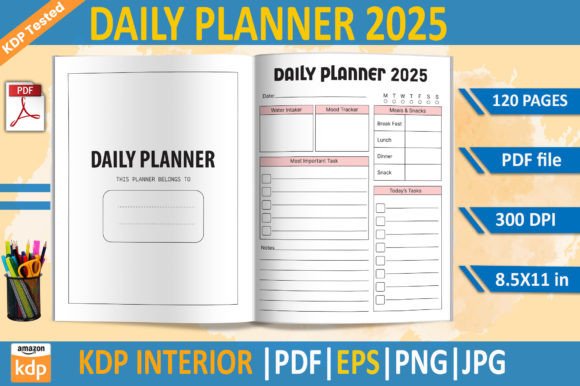
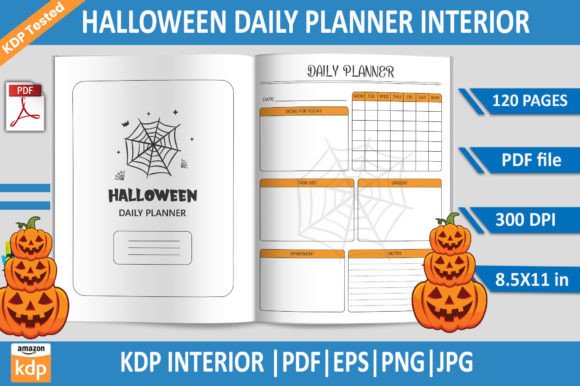
This is a 120-page, 8.5 × 11 inch interior file intended solely for use as the interior of a printed planner on Amazon KDP. It does not include a cover, marketing copy, or branding elements—just clean, print-ready pages. You receive two core assets: a high-resolution PDF formatted for immediate upload (no bleed, correct trim size), and an editable EPS source file. That EPS file allows for targeted adjustments—changing fonts, modifying headers, or updating date ranges—without compromising layout integrity.
It’s important to clarify what this isn’t: it’s not a full-service design package with custom illustrations, interactive digital features, or licensed therapeutic content. It doesn’t replace clinical supervision, ethics training, or documentation standards required by licensing boards. Rather, it serves as a reliable, neutral foundation—a consistent scaffold that supports daily practice while fitting seamlessly into existing KDP workflows.
Practical Strengths for Real-World Use
The Social Worker Daily Planner KDP Interior stands out in three key areas: consistency, usability, and compliance.
- Consistency: Every page follows a unified grid structure—same margins, header placement, line spacing, and font hierarchy. There are no sudden shifts in formatting between weekly spreads and reflection pages. That predictability matters when scaling across multiple planner titles or updating editions.
- Usability: Layouts accommodate common documentation needs without overcomplicating the page. For example, daily logs include dedicated lines for client initials (supporting confidentiality), brief goal tracking, and a small “self-check-in” box—not just time slots. Weekly overviews balance scheduling with space for supervision notes and administrative follow-ups. These aren’t theoretical additions; they mirror patterns observed in field-tested paper-based tools used by LCSWs and school-based clinicians.
- Compliance: The file has been tested under current KDP specifications: no bleed, proper trim size, CMYK-safe grayscale (for cost-effective printing), and embedded fonts in the PDF. That means fewer rejection loops during upload—especially helpful if you’re managing multiple interiors or launching several titles in a short timeframe.
Who Benefits Most—and When
This interior is particularly valuable for creators whose audience includes licensed clinical social workers, BSW/MSW students, case managers, school counselors, and nonprofit staff. Its utility extends beyond direct service roles—it also resonates with therapists integrating social work frameworks, community health navigators, and peer support specialists who rely on structured daily planning but don’t need clinical assessment tools.
In practice, users report best results when pairing this interior with purposeful cover design and clear subtitle language—e.g., “For LCSWs & Field Instructors: Structured Daily Planning with Confidentiality-Safe Layouts.” That specificity helps attract the right buyers and sets accurate expectations. Conversely, it’s less suited for audiences needing highly specialized formats—like trauma-informed journaling with guided prompts, bilingual layouts, or ADA-compliant large-print versions—unless modified significantly using the EPS file.
Quality and Long-Term Value
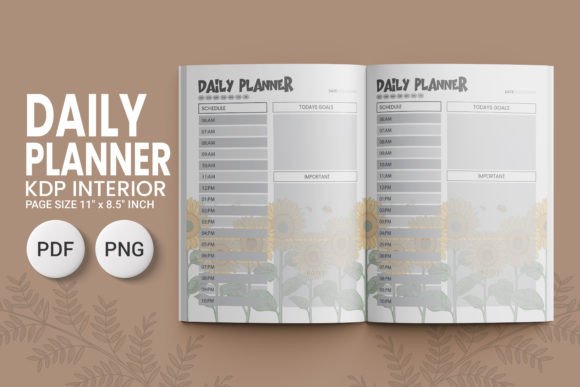
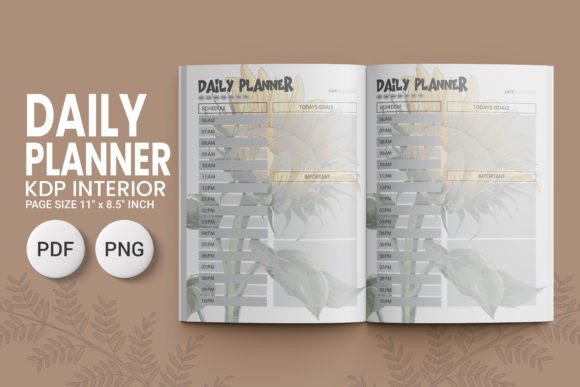
Print quality holds up well: text remains crisp at standard KDP paper weights, and the 120-page count avoids bulk-related binding issues common in thinner or thicker planners. The interior uses a legible, accessible sans-serif typeface (optimized for readability without sacrificing professional tone) and sufficient white space—critical for users who write extensively by hand.
Long-term value comes from flexibility. Because the EPS file is layered and organized, experienced designers can adapt sections—say, replacing the default “Session Notes” page with a version aligned to Motivational Interviewing principles or adding HIPAA reminder footers. Even non-designers can use basic vector editors to adjust color values or insert simple icons. That modularity supports iterative improvement: test one version, gather feedback from beta users (e.g., via a small mailing list or professional forum), then refine before relaunching.
Realistic Considerations and Limitations
No interior file eliminates all variables. You’ll still need to handle cover design, title optimization, category selection, and keyword research independently. Also, while the interior is KDP-tested, final print quality depends on your chosen paper stock (white vs. cream), binding method (perfect bound vs. coil), and whether you opt for interior upgrades like matte finish.
Another consideration: this interior assumes handwritten input. If your target audience prefers digital note-taking, it won’t serve that need unless adapted into a PDF form-fillable version—an enhancement requiring additional development. Similarly, while the layout respects privacy norms (e.g., avoiding fields labeled “Client Full Name”), it doesn’t include legal disclaimers or state-specific compliance notes. Those must be added separately if required by your jurisdiction or use case.
Workflow Integration Tips
To maximize efficiency, consider these practical steps:
- Batch-test uploads: Upload the PDF to KDP’s previewer alongside your intended cover. Check gutter alignment, page numbering continuity, and header visibility on first/last pages.
- Validate metadata early: Use the interior’s structure to inform your book description—mentioning “daily log pages with confidentiality-conscious fields” or “weekly review prompts supporting self-awareness” adds authenticity and relevance.
- Leverage the EPS strategically: Don’t overhaul everything at once. Start with one high-impact change—like adjusting the header font to match your brand—or localize date formats for international markets.
- Track performance by section: If you later expand into related interiors (e.g., a Social Work Supervision Log or Field Placement Tracker), compare engagement metrics across similar page types to identify what users consistently find most useful.
Ultimately, the Social Worker Daily Planner KDP Interior works best when treated as a thoughtful starting point—not a finished product. Its strength lies in balancing professional relevance with technical reliability. For creators focused on serving niche helping professions with precision and respect, it removes friction without sacrificing substance. And in a marketplace where consistency builds trust and clarity drives discoverability, that balance matters more than ever.