Work from Home KDP Interior: A Realistic, Print-Ready Planner for Remote Workers Who Actually Want to Stay on Track
If you’ve ever opened your laptop at 9 a.m., blinked, and suddenly it was 3 p.m. with three unread Slack messages, a half-written client email, and zero memory of lunch—you’re not disorganized. You’re just working without structure. That’s where a Work from Home KDP Interior stops being “just another planner” and starts acting like a quiet, consistent teammate.
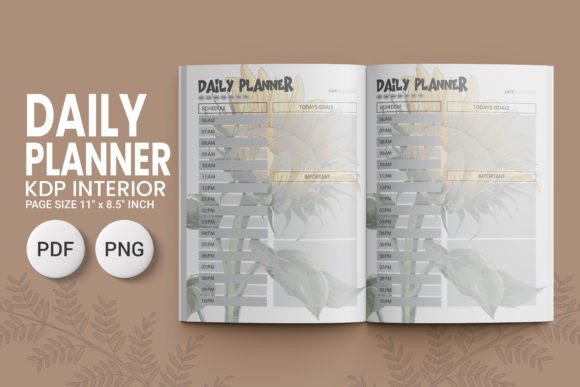
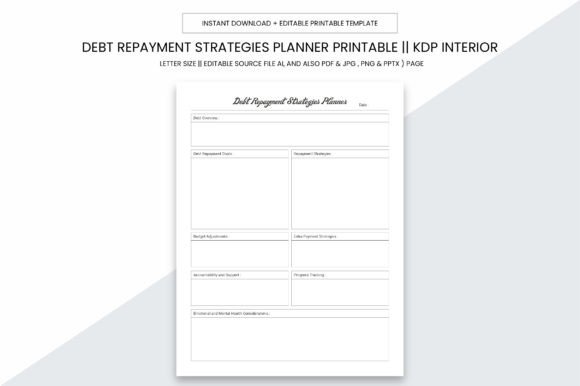
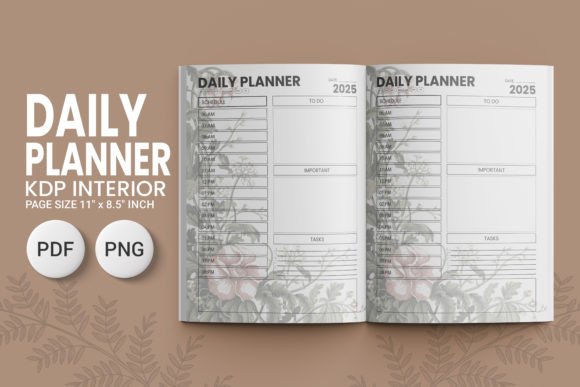
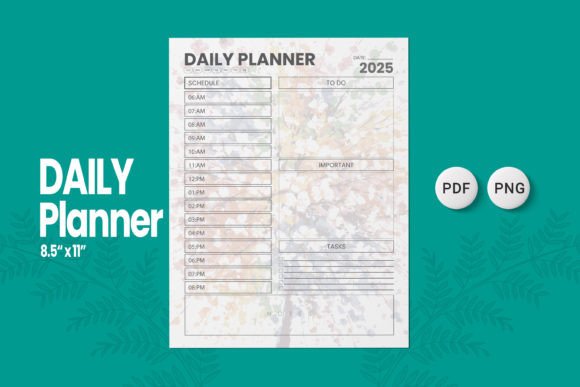
This isn’t a glossy digital app that asks you to log in, sync, update permissions, or watch a tutorial. It’s a 120-page, 8.5″ x 11″ printable interior—designed specifically for Amazon KDP—but equally powerful when printed at home, bound at a local print shop, or even used digitally with a stylus on a tablet. It’s built around how remote work *actually* unfolds: overlapping deadlines, spontaneous calls, family interruptions, energy dips, and the constant tug between “I’m working” and “I’m home.”
Where and When This Planner Fits Into Real Life
Think about your last chaotic Tuesday. Maybe you had back-to-back Zooms, a freelance revision due by noon, a school pickup at 3:15, and a vague intention to “work on your book outline.” A Work from Home KDP Interior doesn’t erase those variables—it gives you space to name them, schedule them, and decide which ones get priority *today*.
You’ll reach for it first thing while your coffee cools—not because you love planning, but because you need to triage. That daily task spread? It’s not about listing everything. It’s about writing down the *one thing* that must happen before lunch, the *two things* you can batch in the afternoon, and the *one thing* you’ll let go if the day unravels. The goal-setting section isn’t for vision boards—it’s for breaking “launch my Etsy shop” into “research domain names,” “photograph 3 products,” and “draft ‘About’ page”—all assignable to specific days.
Who Uses This—and Why It Sticks
Freelancers use the meeting schedule pages to map client calls *against* their natural energy rhythm—not against someone else’s calendar template. One graphic designer told us she blocks “deep work” hours in green pen and “admin only” slots in red—so when a new inquiry comes in, she checks the red slots first. No more answering invoices at midnight.
Small business owners rely on the progress tracking spreads to spot patterns: “Why do I always miss Thursday’s newsletter?” turns into “I schedule it for 8 a.m., but my kid’s virtual class starts then—move it to Wednesday afternoon.” The planner becomes a diagnostic tool, not just a to-do list.
Educators teaching remotely use the time management grids to align lesson prep with grading windows—and to carve out non-negotiable “reset time” (even 12 minutes) between student breakout rooms and parent emails. One homeschooling parent uses the daily reflection line (“What helped me focus today?”) to adjust her kids’ screen-time rules week to week.
Content creators and bloggers treat the goal section like a content runway: “Q3 focus = repurpose 5 old posts into carousels.” Then they assign each repurposing task across weekly spreads—linking the output (Instagram carousel) directly to the input (original blog headline + 3 key stats). No more staring at a blank Canva tab.
What Makes This More Than Just Paper
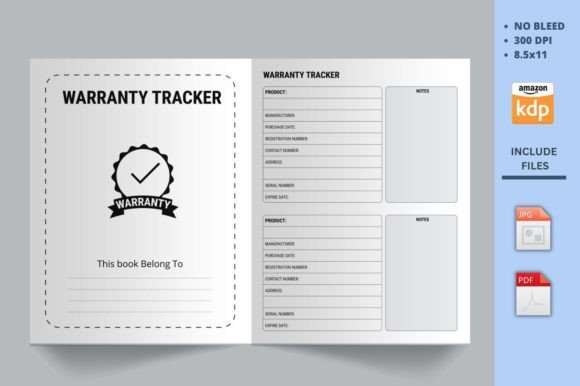
The Work from Home KDP Interior is built for action—not aesthetics. There’s no bleed, so nothing vanishes in printing. At 300 dpi, text stays crisp whether you’re printing on matte cardstock or running it through a budget inkjet. The 8.5″ x 11″ size fits standard binders, desk trays, and most tablet stands. And because it’s delivered as both JPG and PDF, you can tweak colors in Canva before printing—or drop the PDF straight into KDP if you’re publishing your own version.
It’s also customizable in ways that matter: need more weekly review space? Delete two daily pages. Prefer hourly time blocks over half-hour? Swap in your own grid. Working on a big project with phases? Use the progress tracker to mark milestones—not just completion, but “first draft shared,” “feedback incorporated,” “sent to editor.” That kind of granularity builds momentum, not guilt.
Real Considerations Before You Download or Publish
Before adding this to your cart—or uploading it to KDP—ask yourself two things:
- What’s my actual workflow? If you live in Notion or Obsidian, a printable planner may feel like a step backward—unless you use it for *weekly anchoring*: Sunday evening review, Friday afternoon reflection, and nothing else. That’s still powerful.
- What problem am I solving? If your issue is distraction, this won’t fix it alone—but it will help you identify *when* and *where* distractions hit hardest (e.g., “Every time I check email before 10 a.m., I lose 45 minutes”). Then you can design a real fix.
Also worth noting: This interior has been tested across 100+ KDP uploads—meaning margins, fonts, and page counts align cleanly with Amazon’s previewer and print specs. No last-minute panic over cutoff text or weird gutter shifts. If you’re publishing, you save hours of troubleshooting. If you’re buying, you get something that works the first time you print it—no fiddling.
How It Shows Up in Everyday Moments
It’s the 7:45 a.m. ritual of writing “Today’s Win Will Be…” at the top of the daily page—even if it’s “I will silence Slack until 10 a.m.”
It’s the freelancer who circles “Call Sarah re: contract” in red, then draws a small arrow to the meeting log page to jot down the outcome *immediately after the call*—not “later,” when details blur.
It’s the entrepreneur using the goal section to track not revenue, but “number of meaningful conversations with ideal clients this week”—shifting focus from output to connection.
And yes—it’s the person who prints one copy, uses it for six weeks, then realizes they’ve stopped checking their phone every 90 seconds during deep work blocks. Not because the planner “fixed” their attention span, but because it gave them permission to protect time—and a visible record of what that protection created.
A Work from Home KDP Interior doesn’t promise balance. It offers alignment—between intention and action, effort and outcome, work time and breath time. You don’t need to love planning to benefit from it. You just need to know what it feels like to close your laptop at the end of the day and think, “I did what mattered—and I remember why.”